How to Choose a Domain Name for WordPress: 7 Steps
Every WordPress project starts with a name.


"Compliance Copilot took a checklist I was dreading and turned it into a five-minute setup. My affiliate disclosures and GDPR warnings were live before my coffee got cold."
— Megan R., Affiliate Site Owner
Add affiliate, AI, medical and financial disclosures, age and gambling warnings, and outdated-content notices to your posts automatically. You write the policy; Compliance Copilot makes sure it's shown.
Latest plugin version 1.5.0 was updated 4 weeks ago, fully compatible with WordPress 7.1.3
Flag a post once, and the right disclosure or warning appears wherever it's shown. Compliance Copilot helps you display notices consistently; it isn't legal advice, and it doesn't make a site compliant on its own.
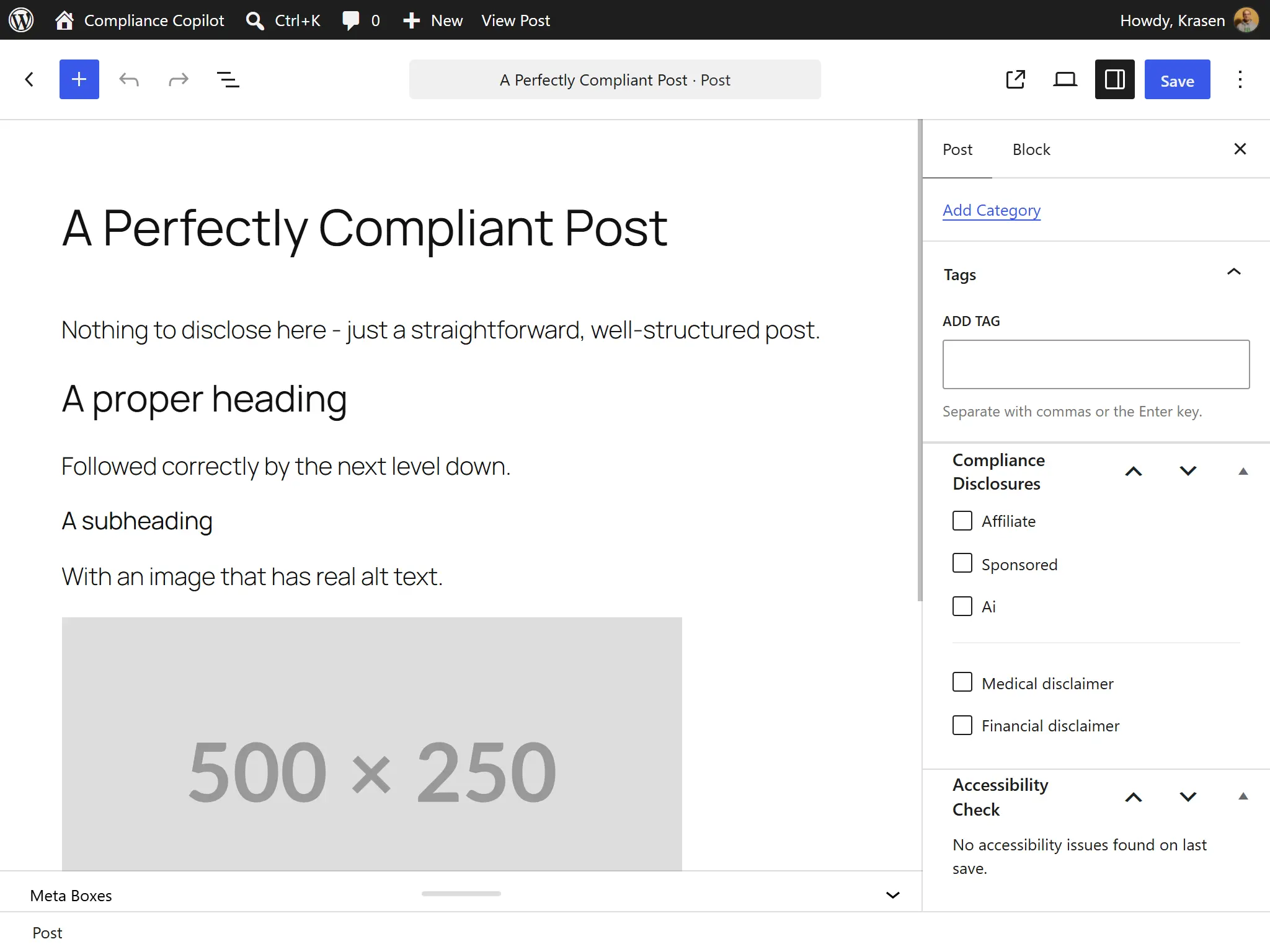
Flag a post as containing affiliate or sponsored links, AI-generated content, or medical or financial advice, and the matching disclosure appears on i Flagging a Post
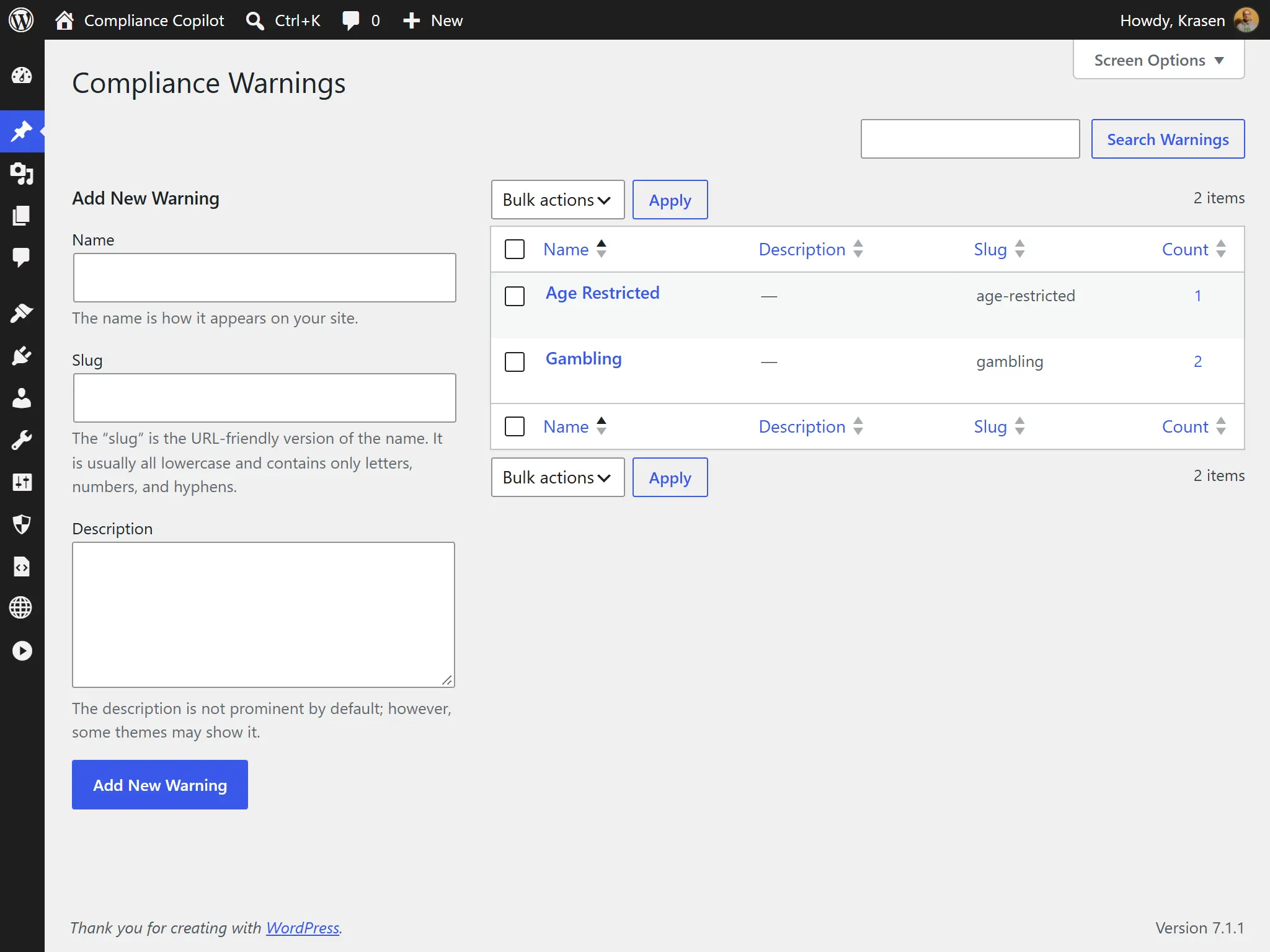
Mark content as age-restricted or gambling-related, and a warning appears wherever that content is shown.
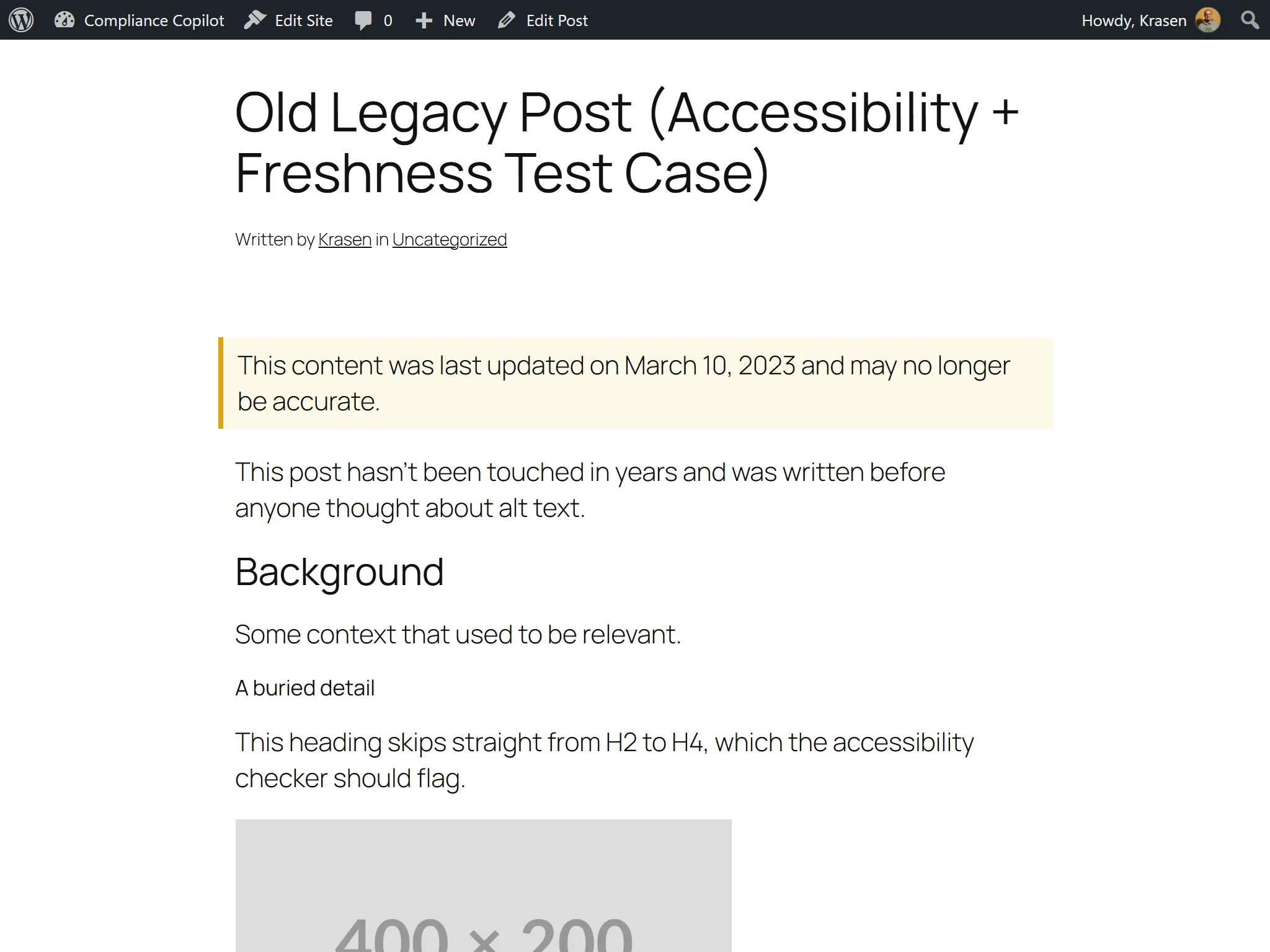
Tell readers when a post hasn't been updated for longer than you choose, so old advice doesn't pass as current.
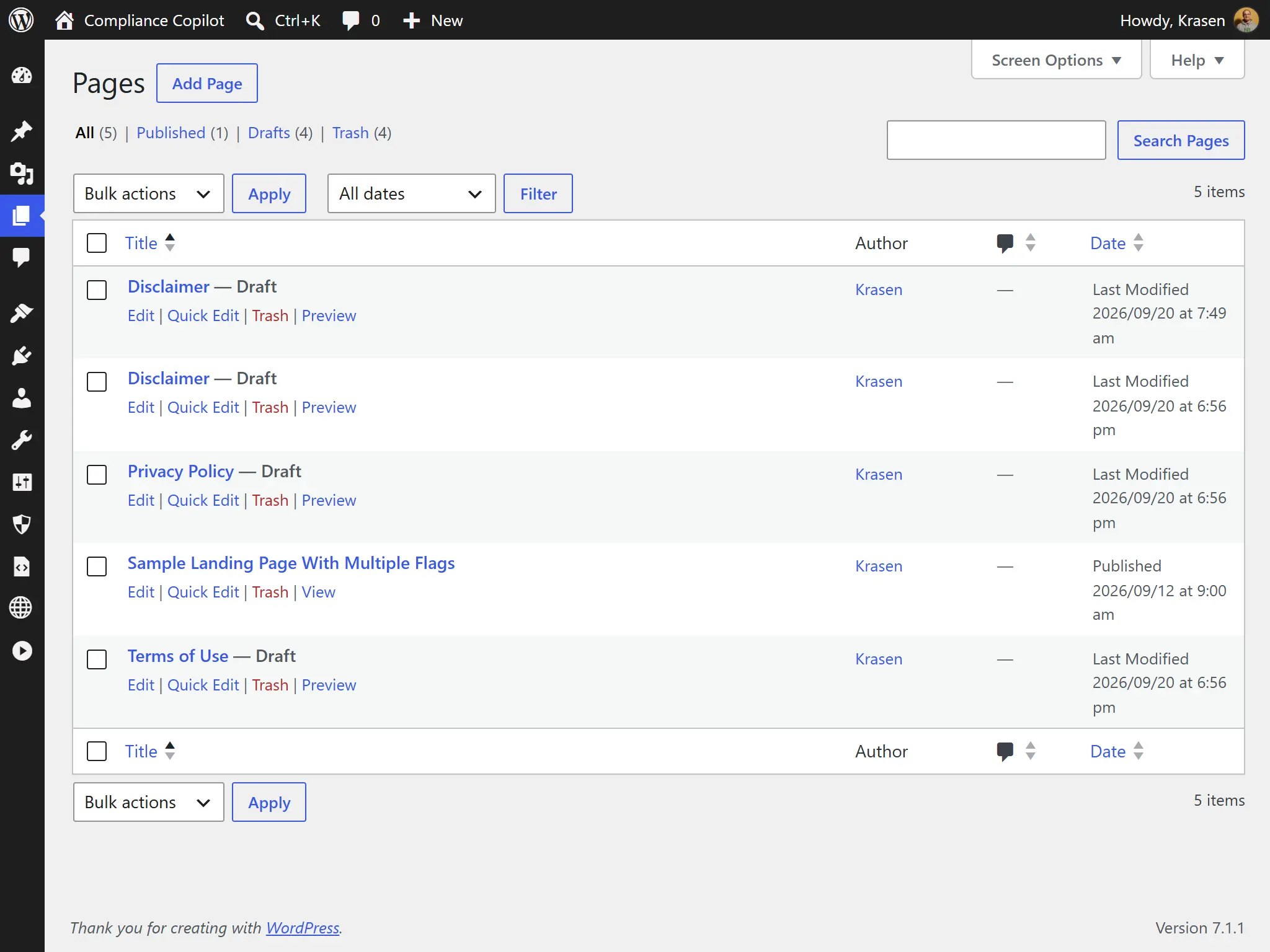
Create draft Privacy Policy, Terms of Use and Disclaimer pages in one click, ready for your own text.
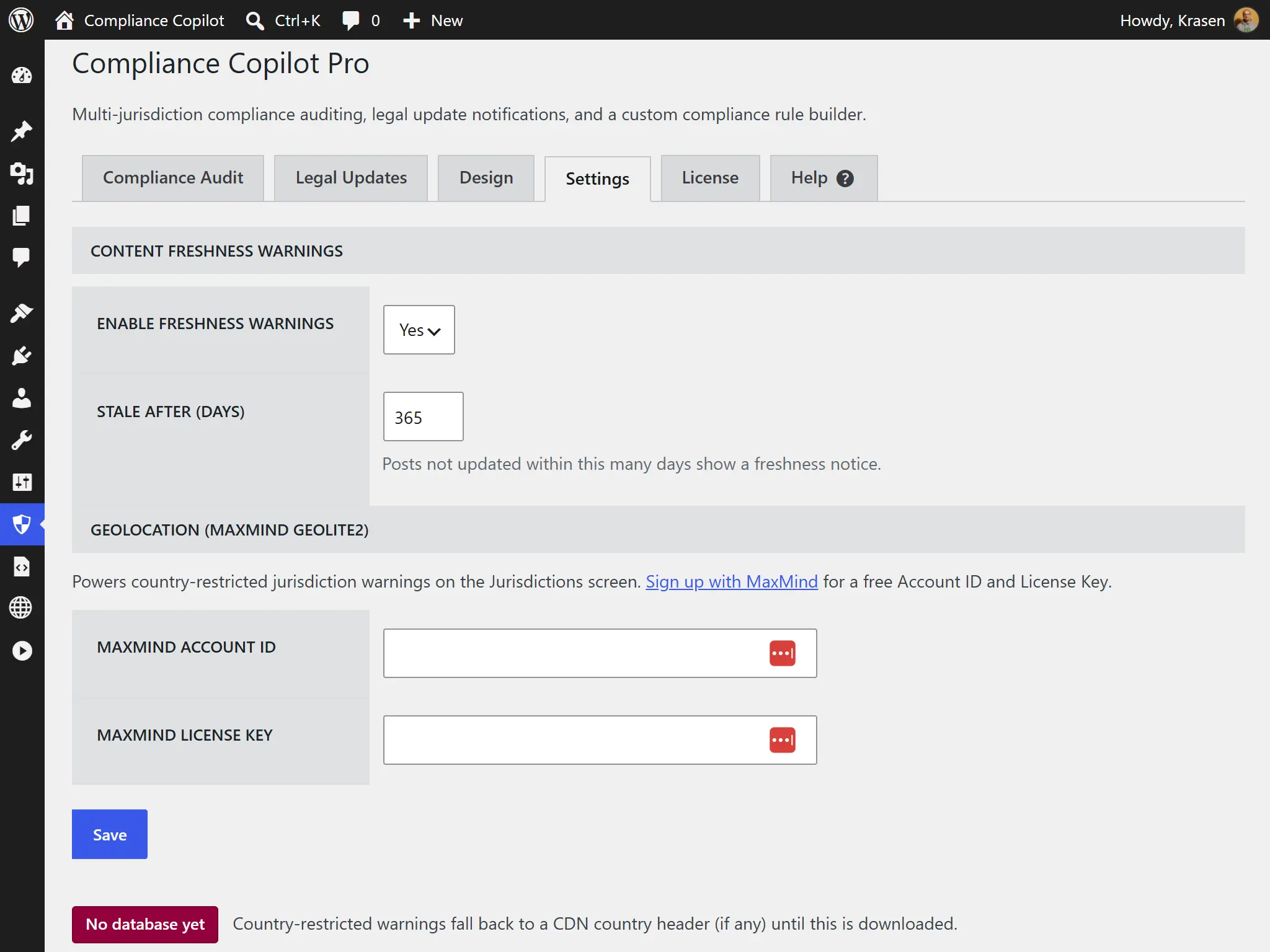
Find a visitor's country from a MaxMind GeoLite2 database on your own server. Needs a free MaxMind account; no visitor data is sent to MaxMind. MaxMind Setup
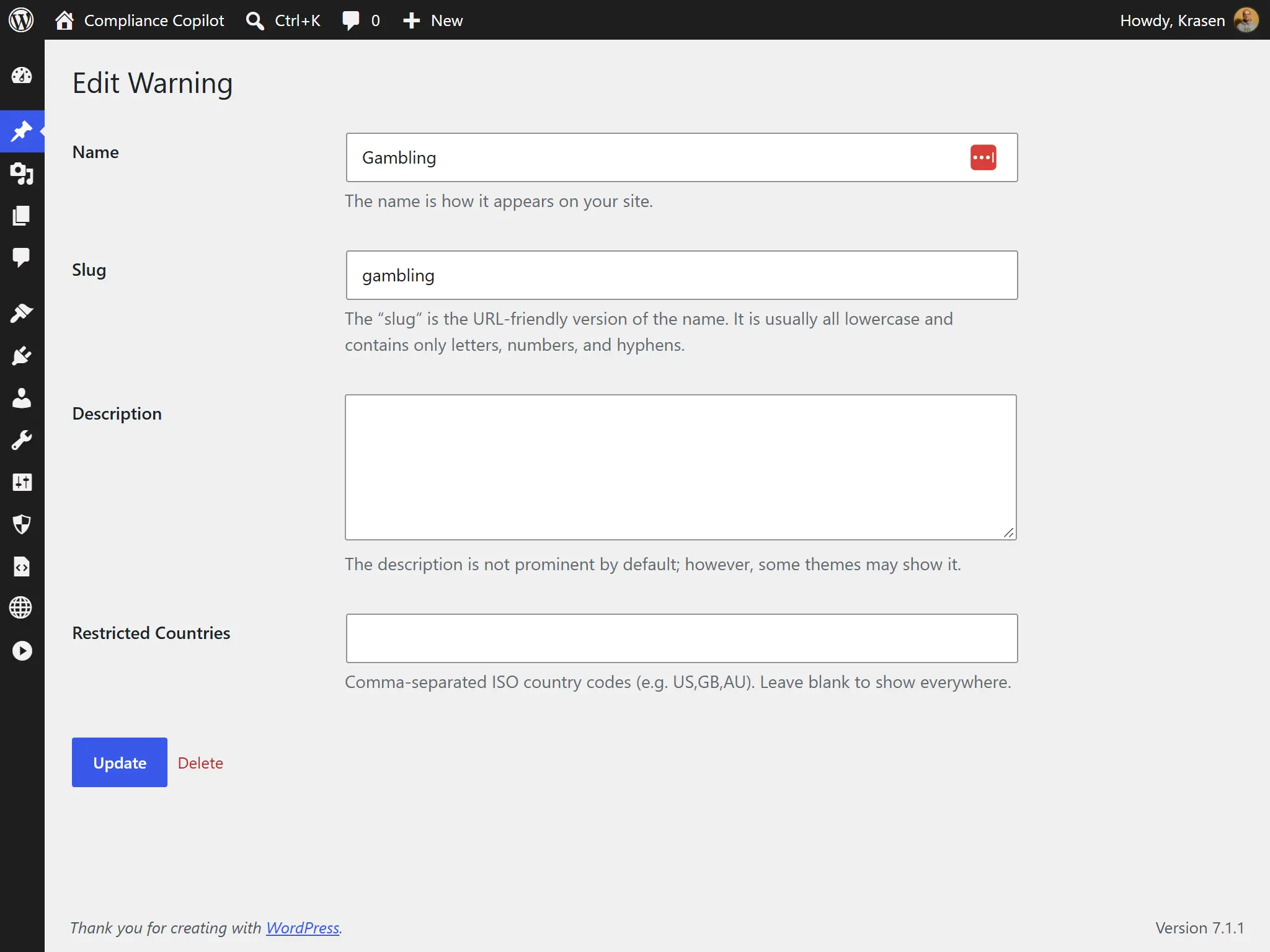
Show gambling or age warnings only to visitors in the countries you choose.
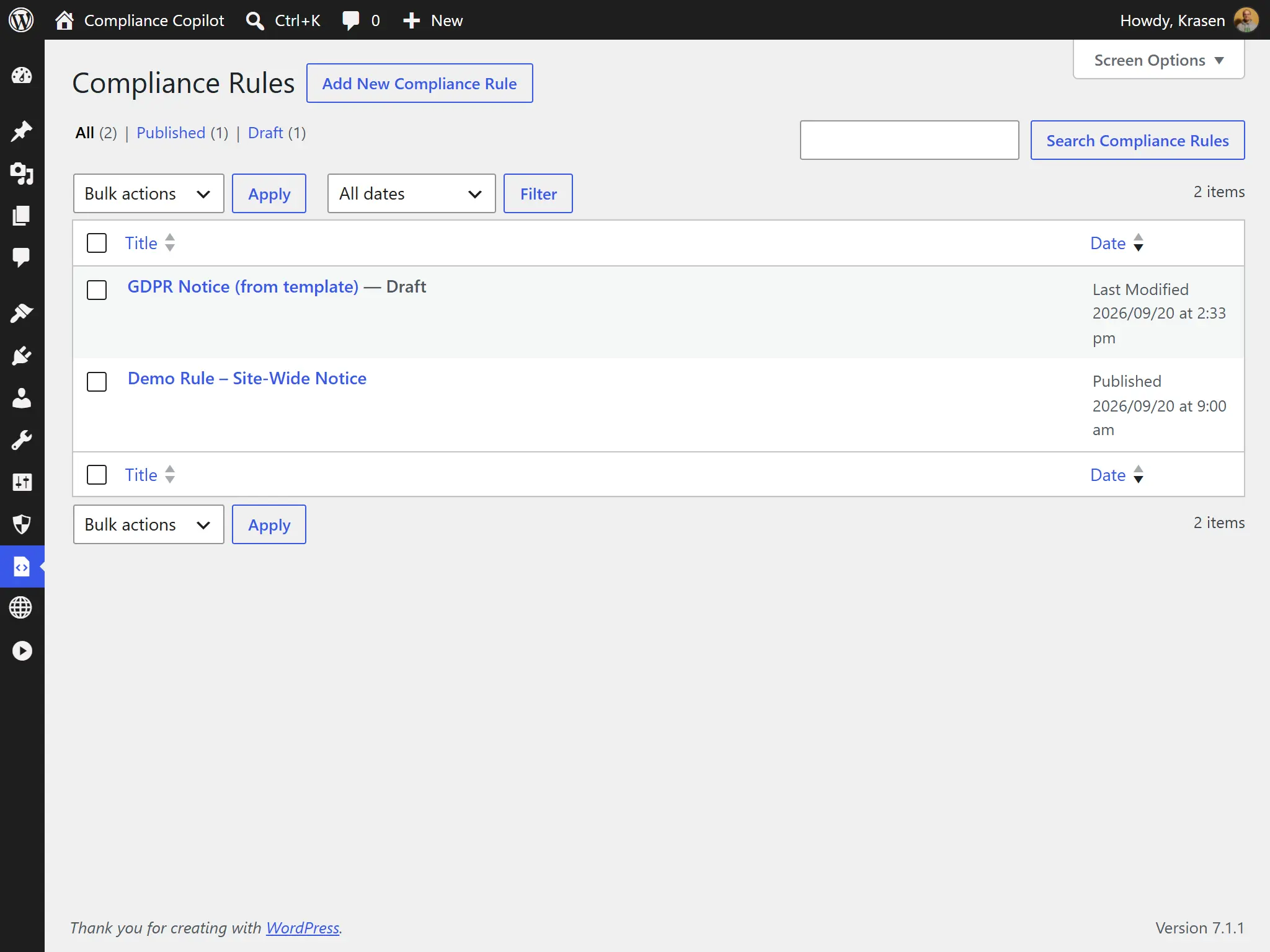
Create your own rules: which content, which condition, and which notice to show. Rule Builder Guide
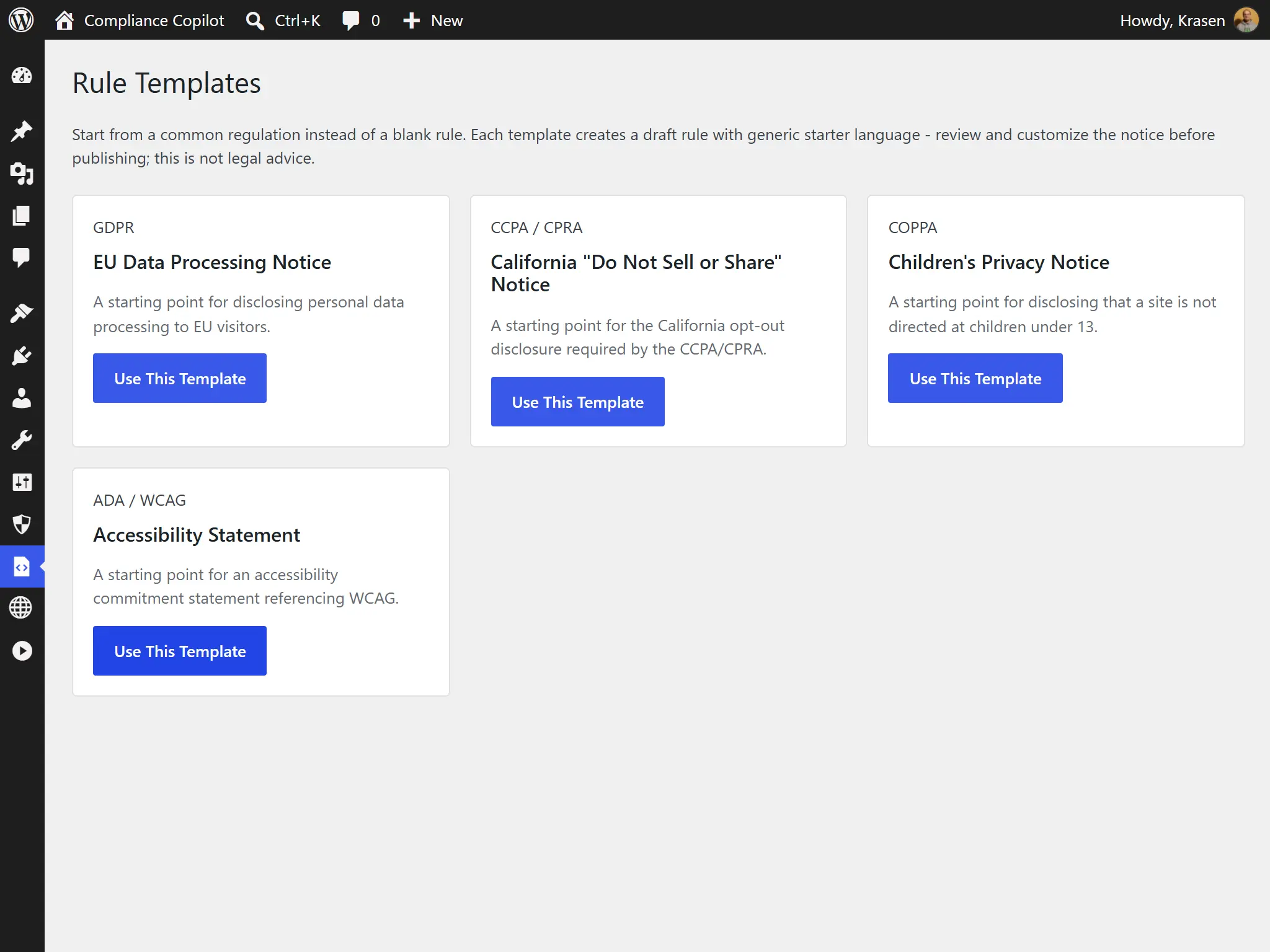
Start a rule from GDPR, CCPA, COPPA or accessibility-statement notice text, then replace the placeholder wording with your own.
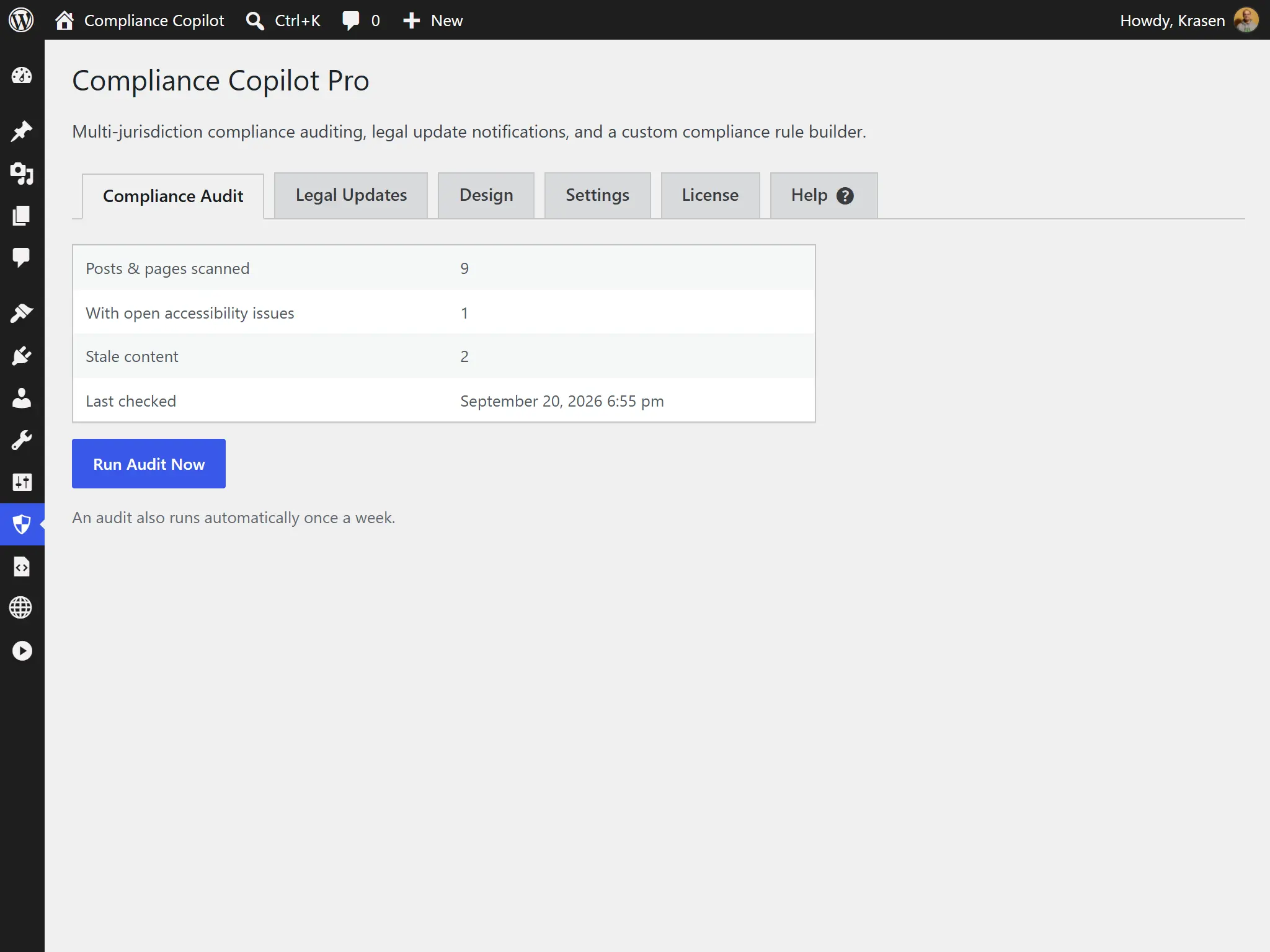
Every week, scan the whole site for images without alt text, skipped heading levels and posts that haven't been updated in a while.
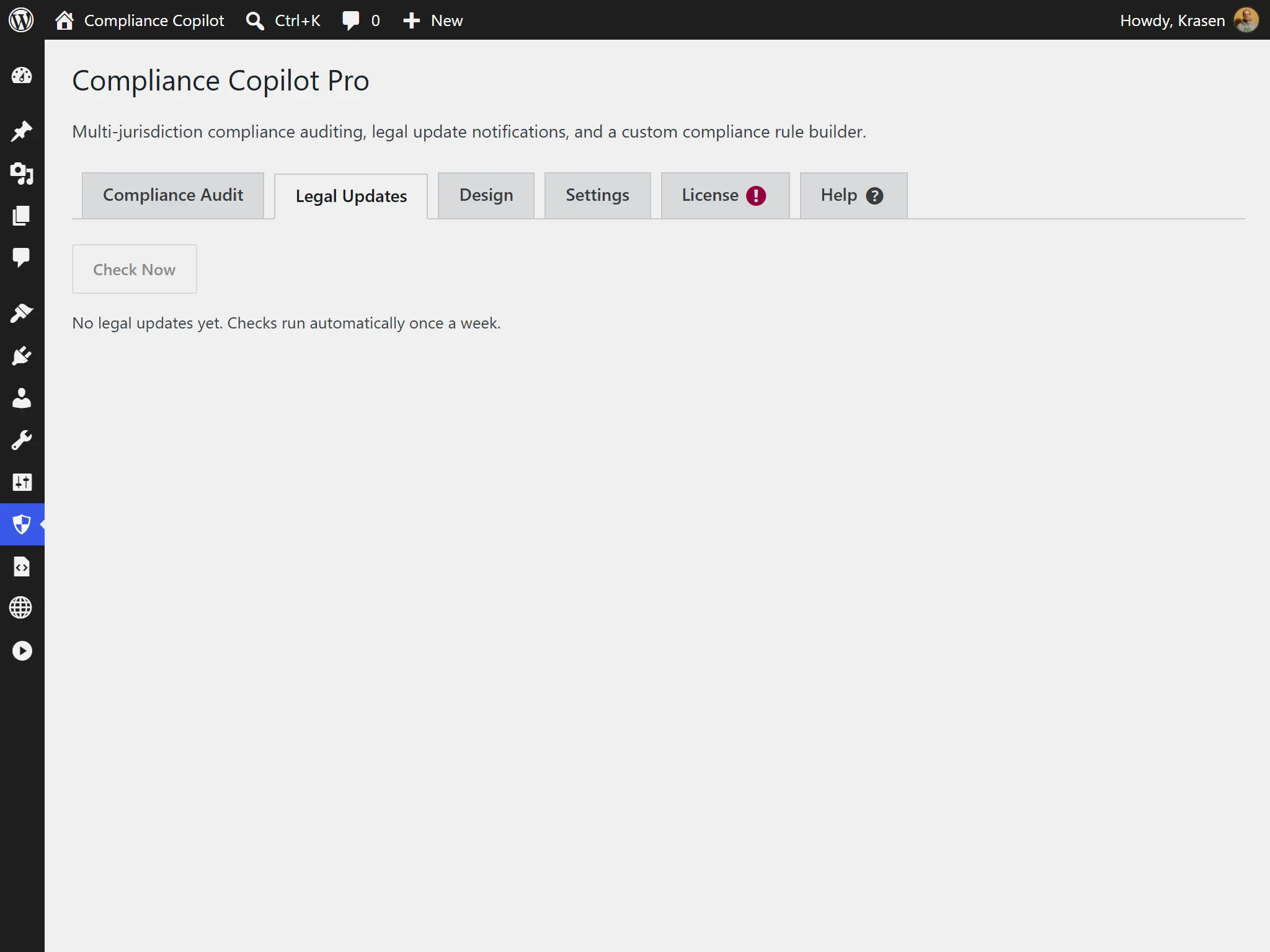
Get notified when regulations relevant to your content change.
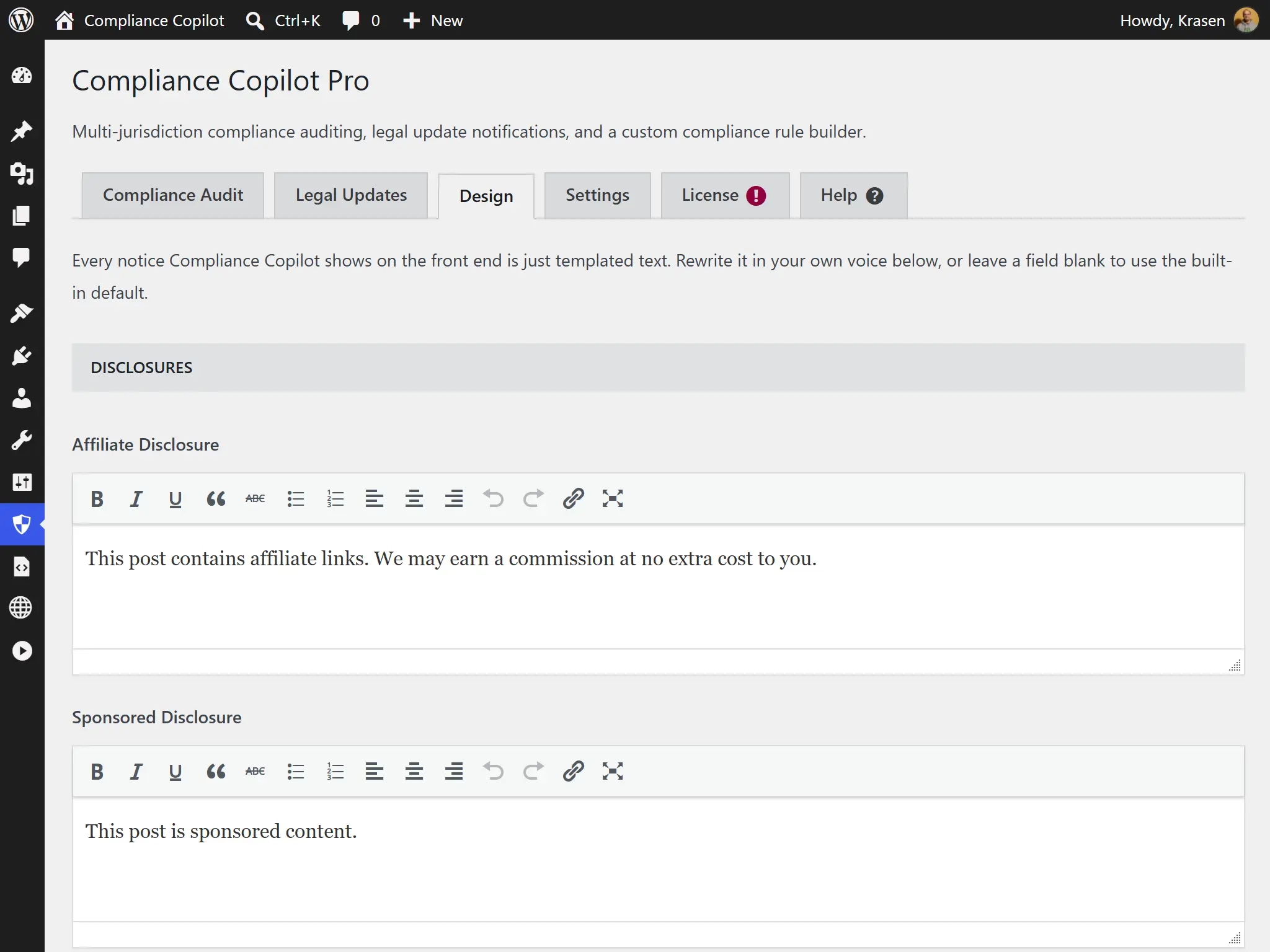
Change the text and colors of every disclosure, warning and disclaimer from the Design tab, without CSS. Design Tab Guide
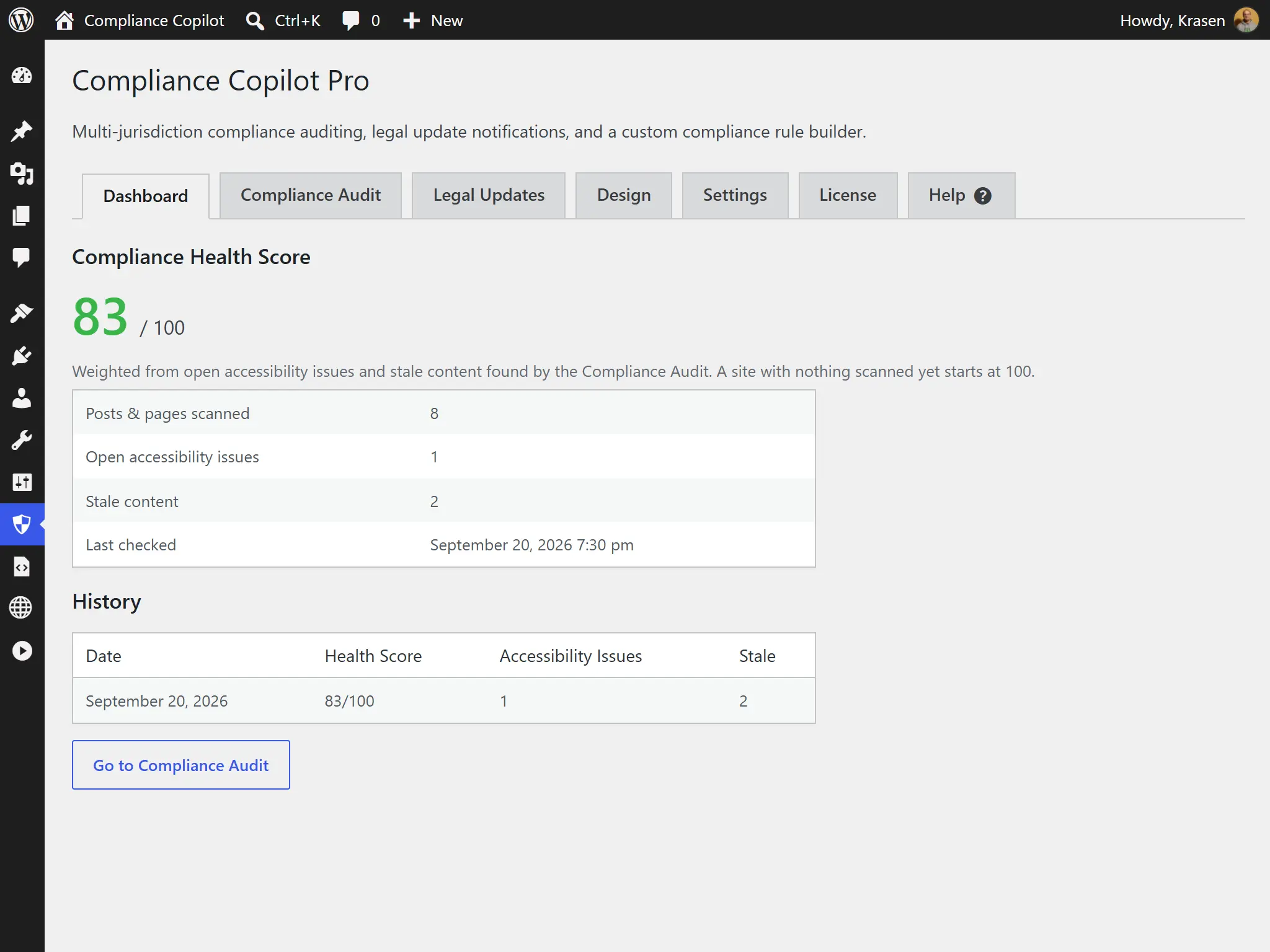
One score for alt text, headings and freshness across your site, with its history over time.
Hear from our satisfied customers about their experience with our products and services.
"The COPPA and ADA templates are genuinely well thought out - I started from a template and only had to tweak a couple of conditions instead of building rules from scratch."

"The freshness warnings and legal page generator quietly fixed two things I'd been putting off for months. My Privacy Policy and Disclaimer pages were drafted in minutes."

"Being able to restyle every notice from the Design tab without touching CSS meant our brand guidelines stayed intact across every client install."

What is the difference between the Free and Pro plugins?
| Feature | Free | Pro |
|---|---|---|
| Disclosures & disclaimers | ✓ | ✓ |
| Age & gambling warnings | Everywhere | Everywhere, or only in chosen countries |
| Country detection (MaxMind GeoLite2) | ✗ | ✓ |
| Alt text & heading checks | Per post | Per post + weekly site-wide audit |
| Rule builder | ✗ | ✓ |
| Starter notice templates | ✗ | GDPR, CCPA, COPPA & accessibility statement |
| Content health score | Open issue count | Score + history |
| Notice text & colors | Built-in defaults | Fully customizable |
| Support | Help center | Priority email |
A quick comparison table highlighting the difference between the Free and Pro versions of our plugin.
Every license includes all Pro features, a year of updates and priority email support, and our 14-day refund policy. Choose yearly, or pay once with a lifetime license.
For freelancers and small agencies
Add to Cart Add to CartFor your own website
Add to Cart Add to CartFor agencies and large networks
Add to Cart Add to CartJust need affiliate and AI disclosures? The free version adds them to any post - try it first.
Download FreeFeel free to send us a message if you have any additional questions about our plugin.
Read the latest content from our blog.
 Developry
Every WordPress project starts with a name.
 Developry
Your WordPress site’s color palette isn’t just aesthetic decoration-it’s psychological communication.
 Developry
Typography defines your website’s visual identity and readability, but custom web fonts can dramatically impact page load performance.